Migos AI Video Generator
Turn two separate photos into a Migos-inspired Hotel Lobby AI video. Upload your duo, choose Original moves or New performance, and create your clip.
The short answer
The Migos AI trend brings a new duo into the orange-stage look associated with the Hotel Lobby performance. In Duet Booth, upload one separate photo for each performer and start with Original moves, or choose New performance for a fresh scene. Review the available settings and credit cost before creating. Once your video is ready, open History to preview it and download the finished clip.
What is the Migos AI trend?
“Migos AI” is a name used for AI videos inspired by Quavo and Takeoff’s “HOTEL LOBBY” performance for A COLORS SHOW. The recognizable orange stage and shared performance provide a reference for videos featuring different pairs of people or pets.
Duet Booth lets you start with two separate photos. Original moves uses our preset Hotel Lobby reference workflow, while New performance creates a new duet from your selected settings. AI can change appearance and movement, so review your finished video before sharing it.
Duet Booth is an independent service and is not affiliated with Migos, Quavo, Takeoff or COLORS.
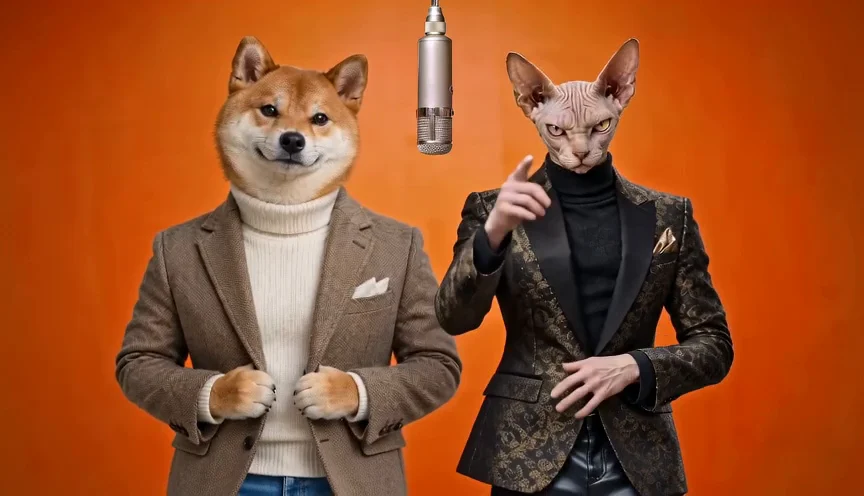
See what your Migos AI video could look like
Start with a duo you want to bring to the stage. People and pets can each provide a different starting point for your video.
How to make a Migos AI video
Three simple steps to bring your duo to the stage.
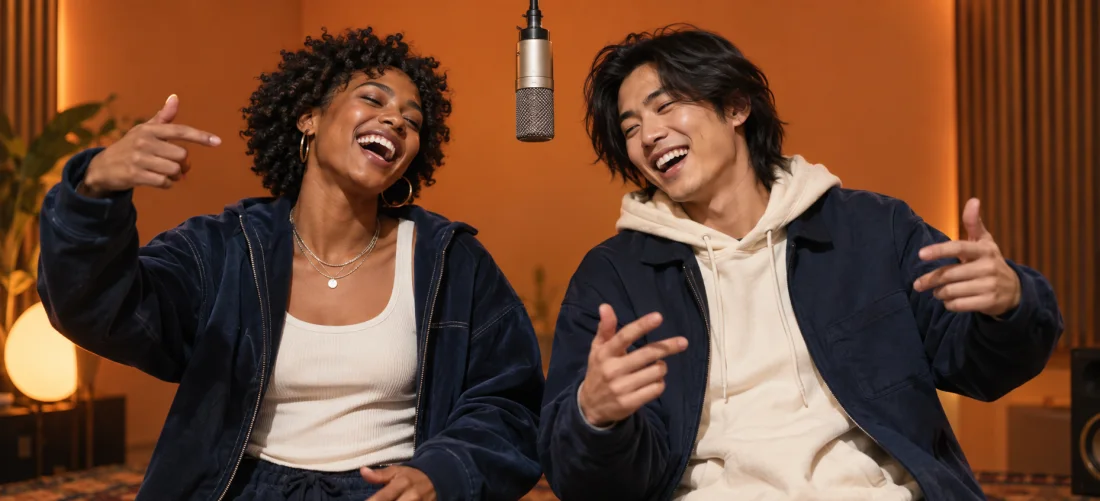
Upload your two photos
Add one photo for each performer. Use clear images with an easily identifiable subject. The photos can be taken separately, and you can use people or pets.
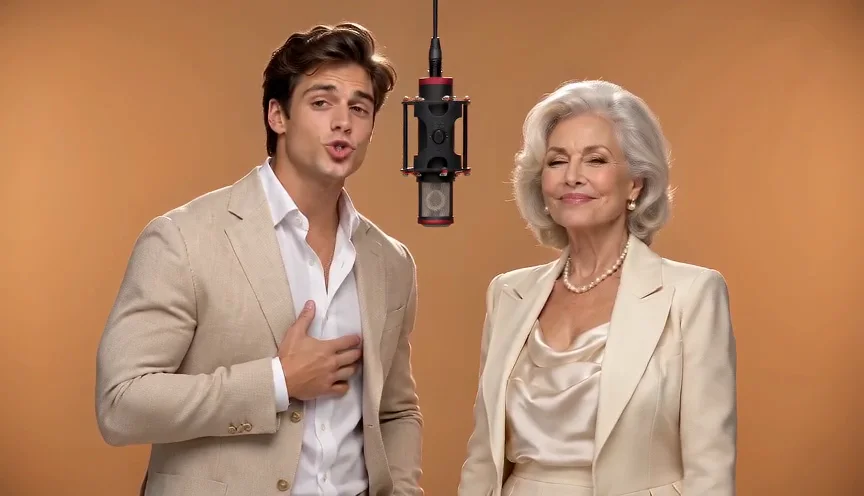
Choose your performance
Keep Original moves for the preset Hotel Lobby reference workflow, or select New performance for a fresh scene. Review your duration, resolution, format and credit cost before submitting.
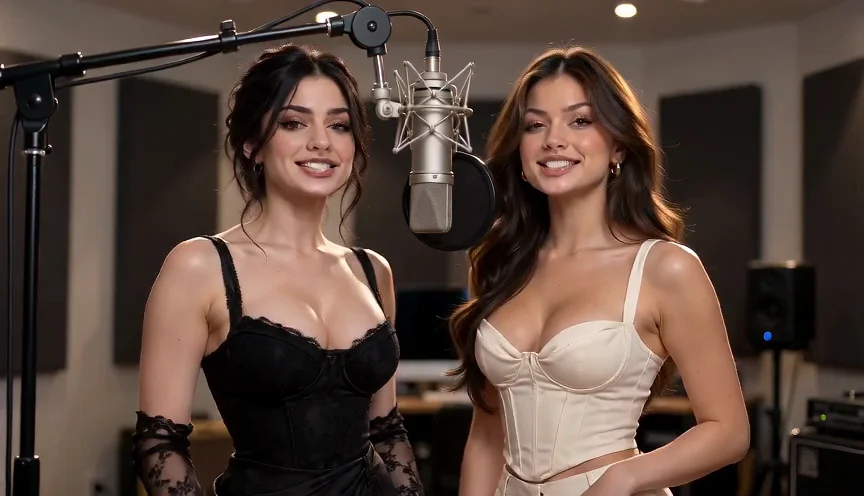
Preview and download
Open History to follow your task. When it finishes, preview the result, check the details and download your video.
Choose how your duo performs
Select the workflow that fits your creative vision.
Original moves
Start with the preset Hotel Lobby reference workflow. Choose this mode when you want to use the reference scene and movement as the starting point for your duo. No theme text is required.
New performance
Create a fresh duet with your chosen model, stage and theme. Select from the settings currently available in the workspace, then check the updated credit quote before creating.
Migos AI video FAQs
Frequently asked questions about creating Migos-inspired duet videos.
Is Migos AI the same as Hotel Lobby AI?+
These names are used for the orange-stage AI video trend inspired by Quavo and Takeoff’s Hotel Lobby performance. In Duet Booth, you can use the preset Original moves workflow or create a fresh duet with New performance.
Do I need a photo of both people together?+
No. Upload two separate photos, one for each performer. They do not need to be taken in the same place or at the same time.
Can I use pet photos?+
Yes. You can upload pet photos, including two pets or a person and a pet. Choose images where each subject is clearly visible, and review the generated result before sharing.
What is the difference between Original moves and New performance?+
Original moves uses the preset Hotel Lobby reference workflow. New performance creates a fresh duet and lets you choose a model, stage and theme, along with the supported video settings.
How many credits does a Migos AI video cost?+
The cost depends on the mode, model, duration and resolution. The workspace shows the current credit quote before you submit. Check that quote for your selected settings.
Where can I find and download my video?+
Open History to view your tasks. Once a video is complete, you can preview and download it there.