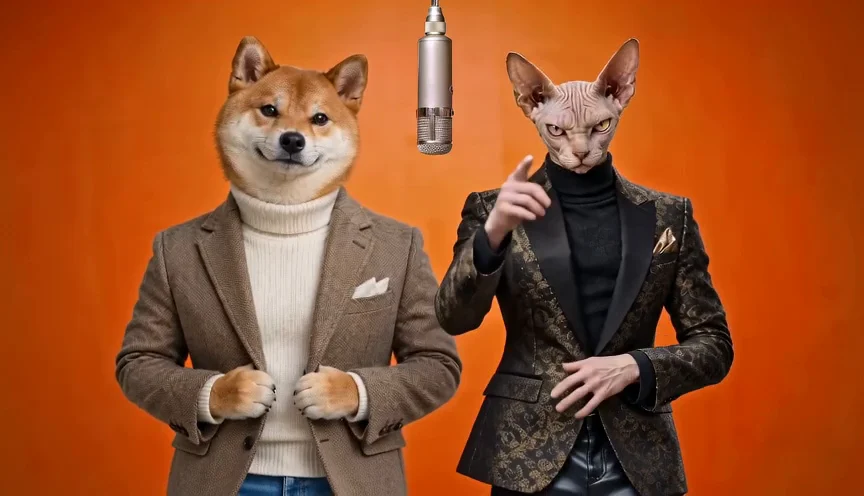
Make a Hotel Lobby AI video with your own photos
Upload two photos, keep the iconic orange stage, and generate your viral duet.
The short answer
Make a Hotel Lobby AI video with two separate photos in Duet Booth. Upload one image for each performer, keep the default Original mode, and review the available settings and credit cost before submitting. The Hotel Lobby AI generator brings your pair into a shared scene without filming together. After submission, open History to check progress, review the finished result and download your video.
What is the Hotel Lobby AI trend?
The Hotel Lobby AI trend places a new pair of people or pets into an orange-stage duet. Its visual reference is Quavo and Takeoff’s “HOTEL LOBBY” performance for A COLORS SHOW, linked in the official source below.
Watch the performance to understand the shared stage, then try your own photos in the generator. Original uses a reference scene; New performance creates a fresh duet. The source performance and your generated video are separate works.
How do I make a Hotel Lobby AI video?
Two photos, your settings, and a video to download.
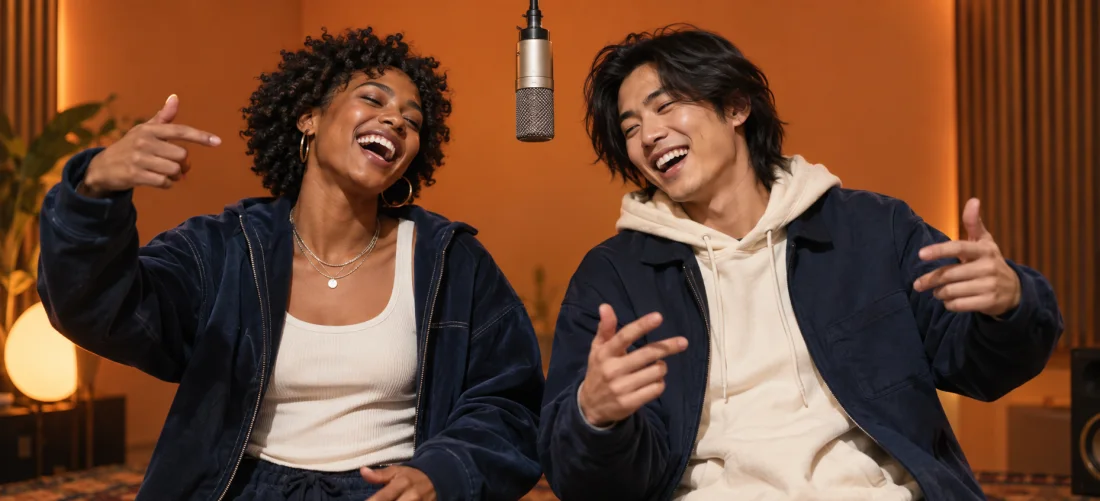
Choose your photos
Upload a separate clear photo for each performer. Check the left and right positions before continuing.
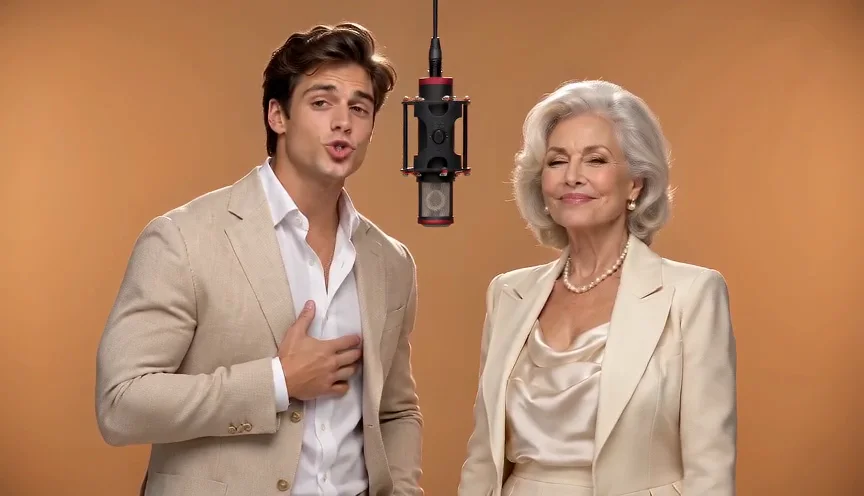
Review settings
Hotel Lobby defaults to Original. Review the available length, resolution, format and credit cost before submitting.
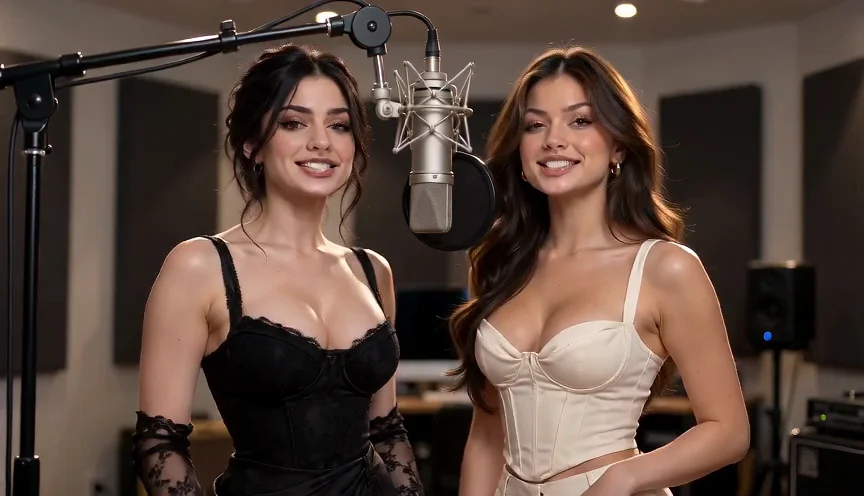
Generate and download
Sign in and generate. Open History to check progress, review both performers and download the finished video.
Which photos work best for a Hotel Lobby AI video?
Use clear, well-lit photos with one visible subject in each image.
One photo per performer
Upload an individual photo for each performer or pet with only one subject in frame. Avoid crowded group pictures so the model clearly identifies who is rapping on each side.
Portrait or full-body
Use a clear portrait for facial detail, or a full-body photo showing clothing, legs and shoes. These provide visual references; the finished video may change clothing, features or composition.
Keep photos clean
Avoid blur, dark shadows, heavy filters, and sunglasses. If cropping from screenshots, remove UI controls and borders without clipping subjects. Supports JPEG, PNG, or WebP up to 10 MB each.

Sharp front portrait
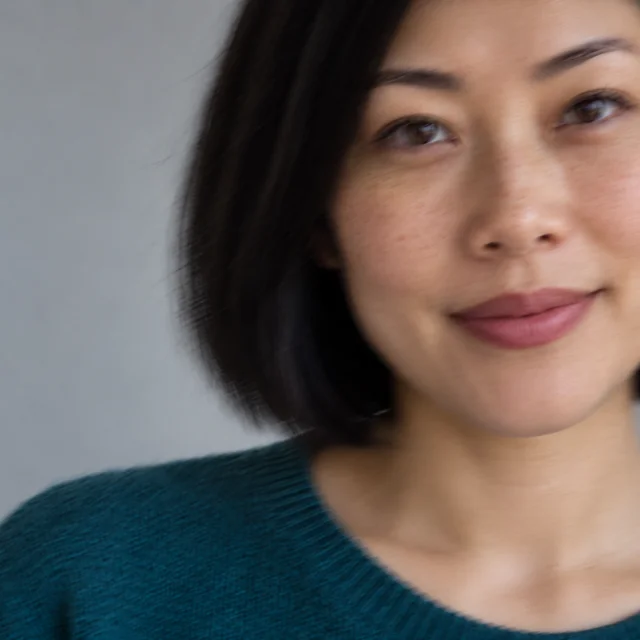
Blurry / cropped face
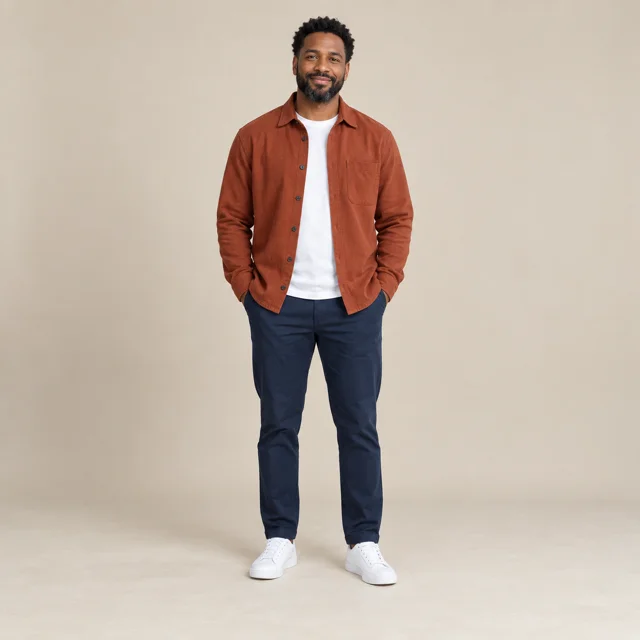
Full-length reference
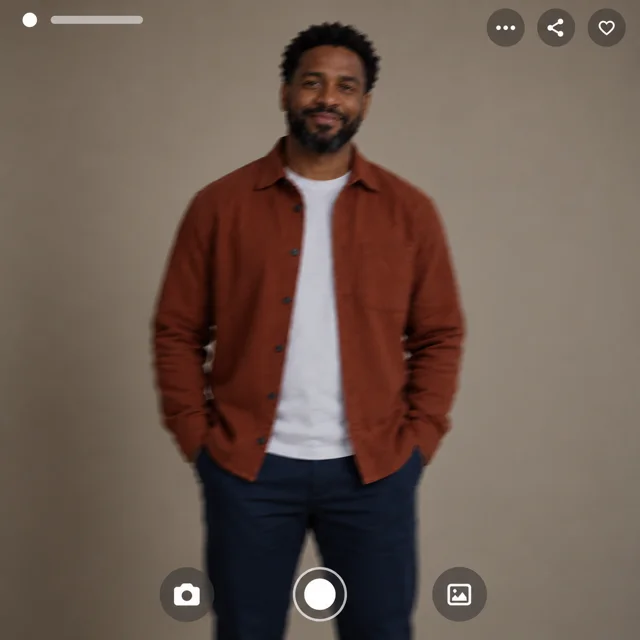
Dim / cropped screenshot
Why choose Duet Booth for your Hotel Lobby AI video?
Duet Booth keeps the Hotel Lobby AI workflow focused on your pair. You can start from separate photos, use the preset reference mode and follow the result in one workspace. The tool handles video generation while you decide who belongs on stage and whether the finished clip is ready to share.
Two separate photos, one shared stage
Bring together friends, family members or pets using a separate image for each performer. You do not need a shared recording or matching photo backgrounds. Choose your pair even when they were photographed at different times or places.
Start with the Hotel Lobby look
This page defaults to Original for the orange Hotel Lobby reference scene. You can begin with that familiar format instead of building a scene from scratch. Choose New performance when you want a different stage and a fresh duet.
No prompt required for Original
Original uses a configured reference, so you do not need to write a complex prompt or set manual keyframes. Add your photos and review the supported settings and cost in the workspace before submitting.
Review, download and share
History keeps the submitted task accessible under your account. Return to check its status, inspect both performers and listen if the result has audio. Download the finished video when you are happy with it.
Frequently Asked Questions
Everything you need to know about the Hotel Lobby AI generator.
Should I choose Original moves or New performance?+
Original uses a configured reference as motion guidance for the orange Hotel Lobby stage. New performance creates a fresh scene from your two photos with other stage options. Neither mode guarantees an exact copy of the source movements or sound.
How many credits does a Hotel Lobby AI video cost?+
Check the cost shown in the generator for your selected mode, length and resolution before submitting. A credit pack is a balance to spend on generation, not a fixed number of videos. Only submit an option that is currently available.
What should I do if a generation fails?+
Open History under the account that submitted the video to review its status and error details. Wait if it is still processing. Confirm that it has failed before retrying, and check that your uploaded photos meet the clarity recommendations.
Does this generate the original Hotel Lobby song?+
Duet Booth does not promise the original recording, the artists’ voices or an exact copy of the performance. The official COLORS video is provided as background information. Check the sound and motion of your generated result before sharing.
What photos should I use? Can I include pets?+
Use one clear, unobstructed person or pet in each photo. Front-facing portraits with visible facial contours make the intended subjects easier to identify. Results can vary with stylised characters. Always use photos you have permission to use.
Where can I find and download my video?+
Open History while signed in to the account that created the task. You can return after leaving the page to monitor progress, review both performers, and download the finished MP4 video file.
Ready to make your Hotel Lobby duet?
Upload your two photos and check the settings in the generator above.