
I Love The Smiths AI Video Generator
Upload two photos to make an I Love The Smiths AI elevator video—people, pets, or mixed. You get a silent 16:9 clip at 5, 10, 15, or 20 seconds (10 is the default). Add the #ilovethesmiths sound yourself when you post on TikTok.
- 2 photos
- People or pets
- 5, 10, 15 or 20 s
- 16:9 widescreen
- Silent, watermark-free MP4
- Uses credits
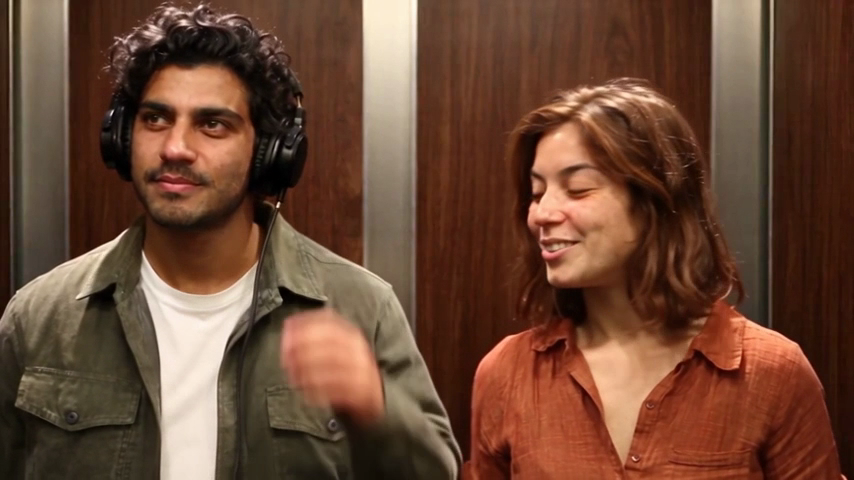
I Love The Smiths AI video example
This clip is about five seconds. Longer lengths continue the same elevator moment, still inside the elevator.
The short answer
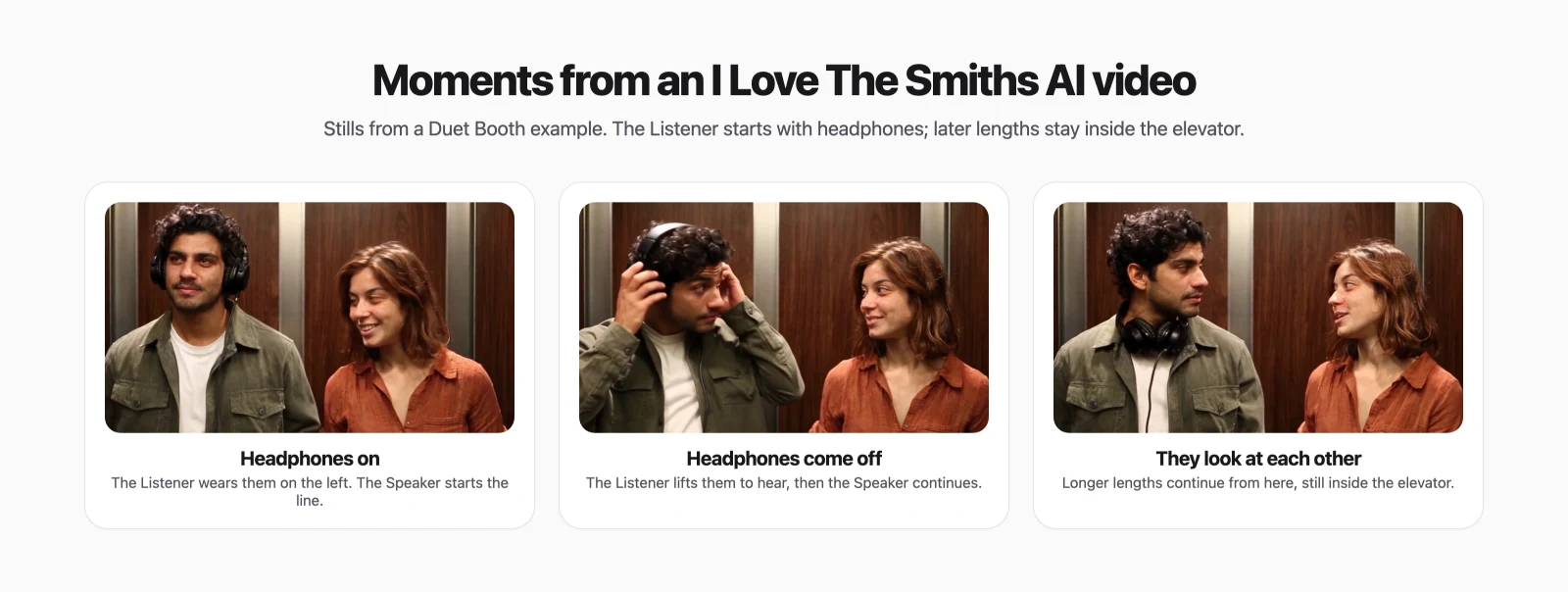
The I Love The Smiths elevator trend is an unofficial AI remake of the elevator scene from (500) Days of Summer, made from two photos. Upload a Listener (left, wears headphones in the video) and a Speaker (right). The download is a silent, watermark-free 16:9 MP4—resolution depends on your settings—so you can attach the #ilovethesmiths sound on TikTok. Duet Booth does not host the original film clip or the commercial track, and this effect is not affiliated with the movie, the song, or anyone in the original scene.
What Is the I Love The Smiths Elevator Trend?
The I Love The Smiths elevator trend is an AI remake of the elevator scene from (500) Days of Summer, made from two photos.
In the scene, the Listener wears headphones. The Speaker hears the song and says “I love the Smiths.” The line people quote is “I said I love the Smiths.” The song in the film is “There Is a Light That Never Goes Out” by The Smiths; most TikTok posts use the movie’s dialogue clip, which you add after you download.
The clip stays inside the elevator for the whole scene. Search #ilovethesmiths on TikTok to find the sound people use for this trend.
How to make the I Love The Smiths elevator video from two photos
- Upload two photos you have permission to use: the Listener on the left and the Speaker on the right. Each photo can be a person or a pet, and you do not need headphones in the shot.
- Choose 5, 10, 15, or 20 seconds (10 is the default), check the credit quote, and create the video. The output is a silent, watermark-free 16:9 MP4; resolution depends on your settings.
- Open History to preview and download, then add the #ilovethesmiths sound in TikTok with Use this sound when you post.
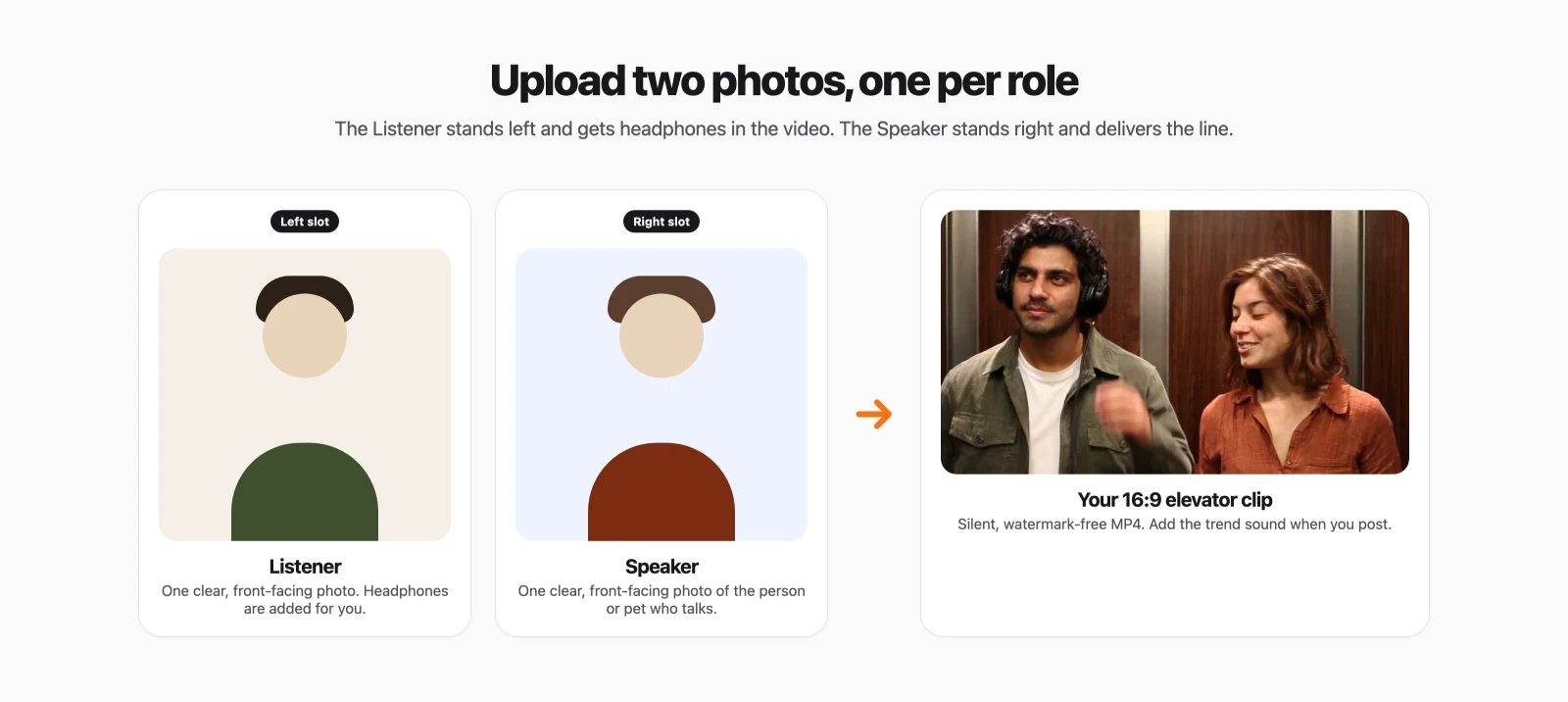
Use photos you have permission to use. Photo clarity and output quality vary. Add the trend sound yourself when you post.
What Kind of Photos Work Best?
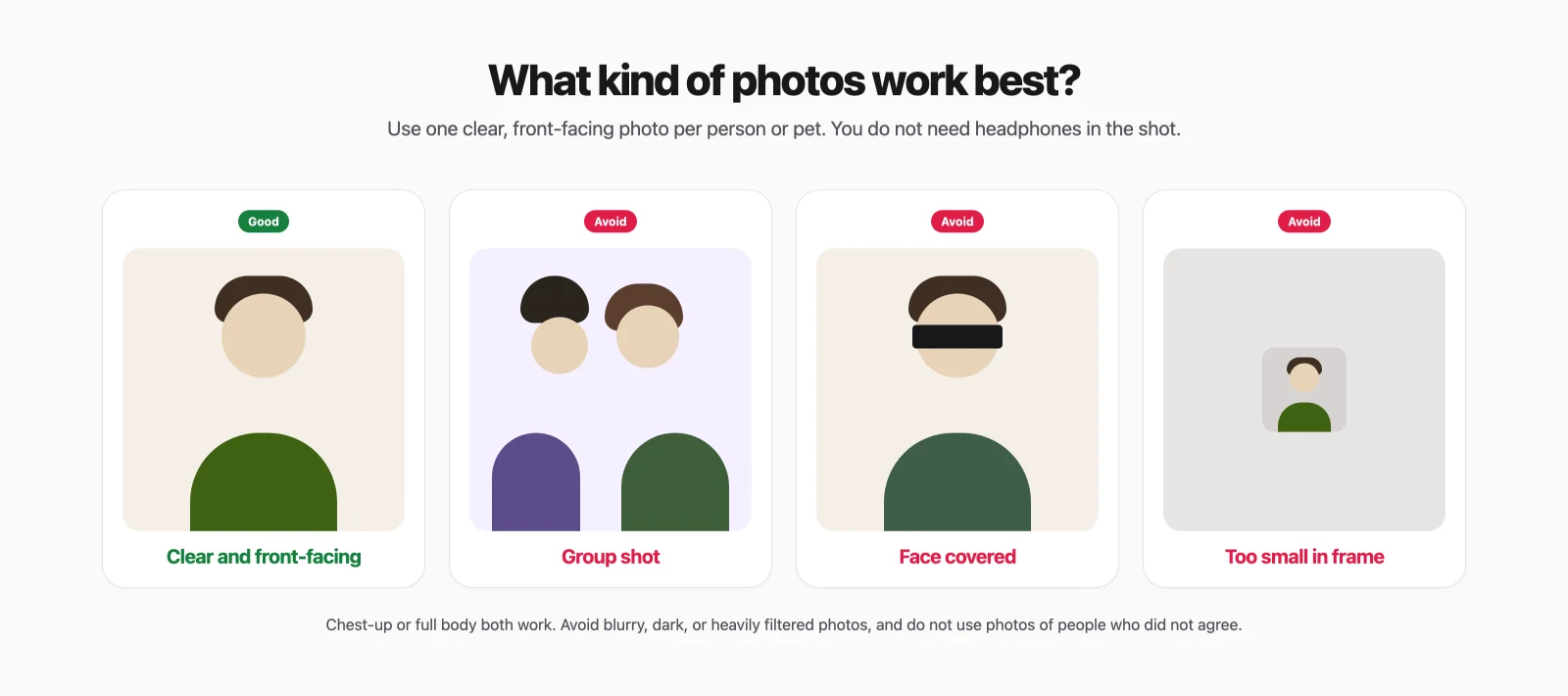
Use one clear, front-facing photo per person or pet; chest-up shots work well, and you do not need headphones in the photo.
Give each upload a single subject. Avoid group shots, covered faces, blur, heavy filters, or a face that is too small in the frame. Use JPEG, PNG, or WebP photos you have permission to use, up to 10 MB each. If the likeness is off, try a sharper, front-facing photo and create again.
Can I Make It with My Dog or Cat?
Yes. Each photo can be a person or a pet, including a dog and a cat together, or one person and one pet.
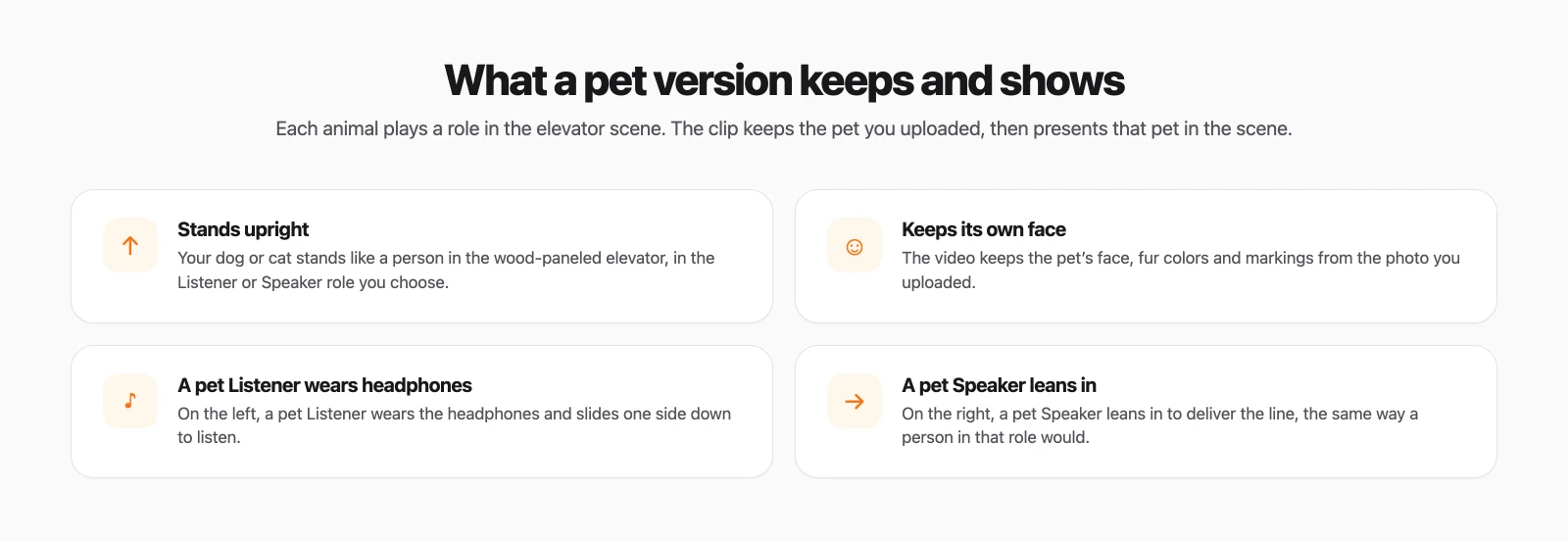
A pet version keeps the animal you uploaded: it stands upright in the elevator, keeps its own face, fur color, and markings, and plays the Listener or Speaker role you chose. You still upload two photos and download a silent 16:9 clip.
What Aspect Ratio and Length Should I Use?
Use 16:9 widescreen, at 5, 10, 15, or 20 seconds. Ten seconds is the default.
Longer clips follow more of the same elevator moment from the reference. The action stays inside the elevator for every length.
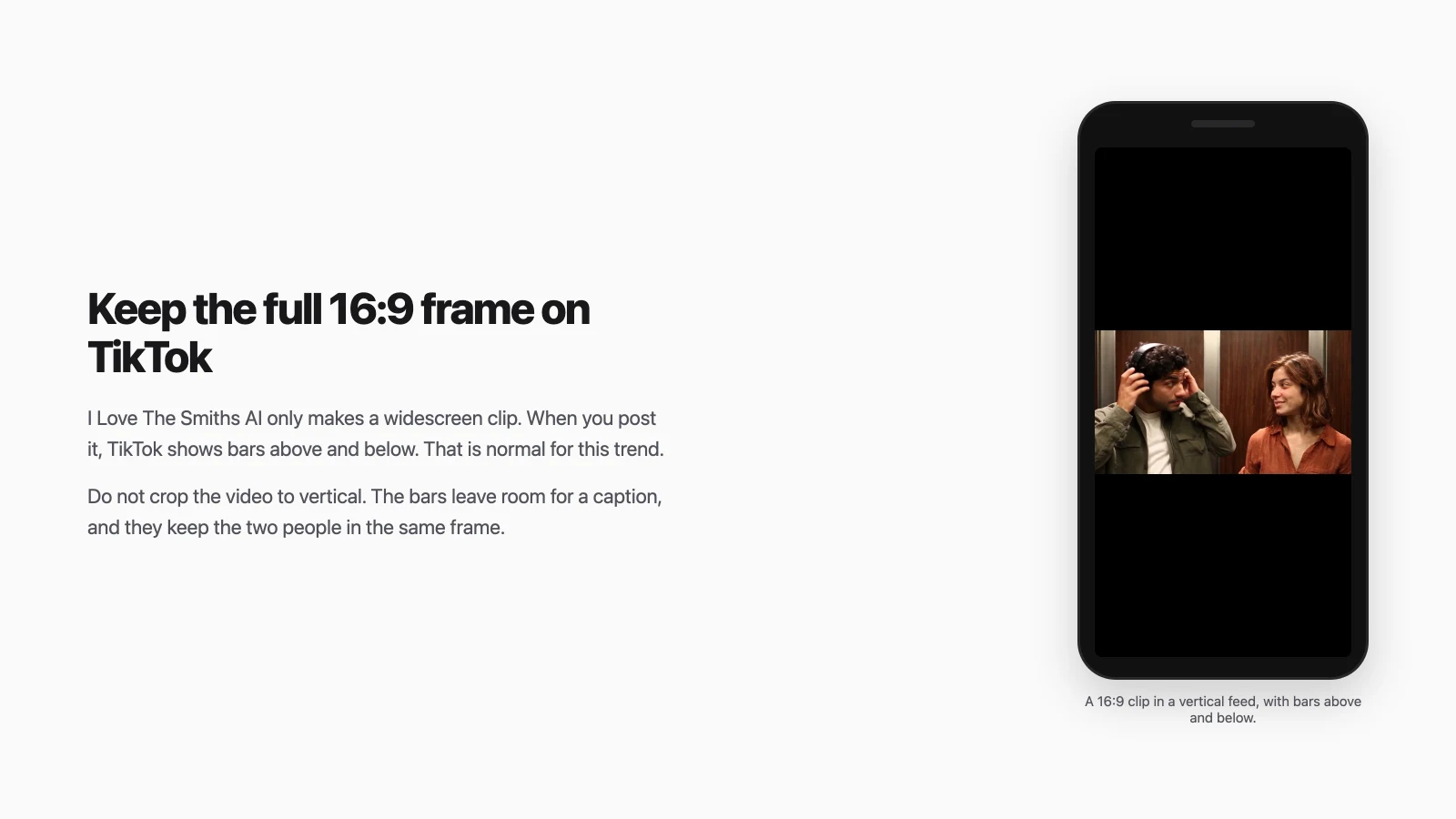
Keep the full 16:9 frame when you post. The bars above and below on TikTok are normal for this trend—do not crop it to vertical. The file is a watermark-free MP4; resolution depends on the setting you choose, and we do not promise a specific HD or 1080p result.
How Do I Add the Trend Sound and Post It on TikTok?
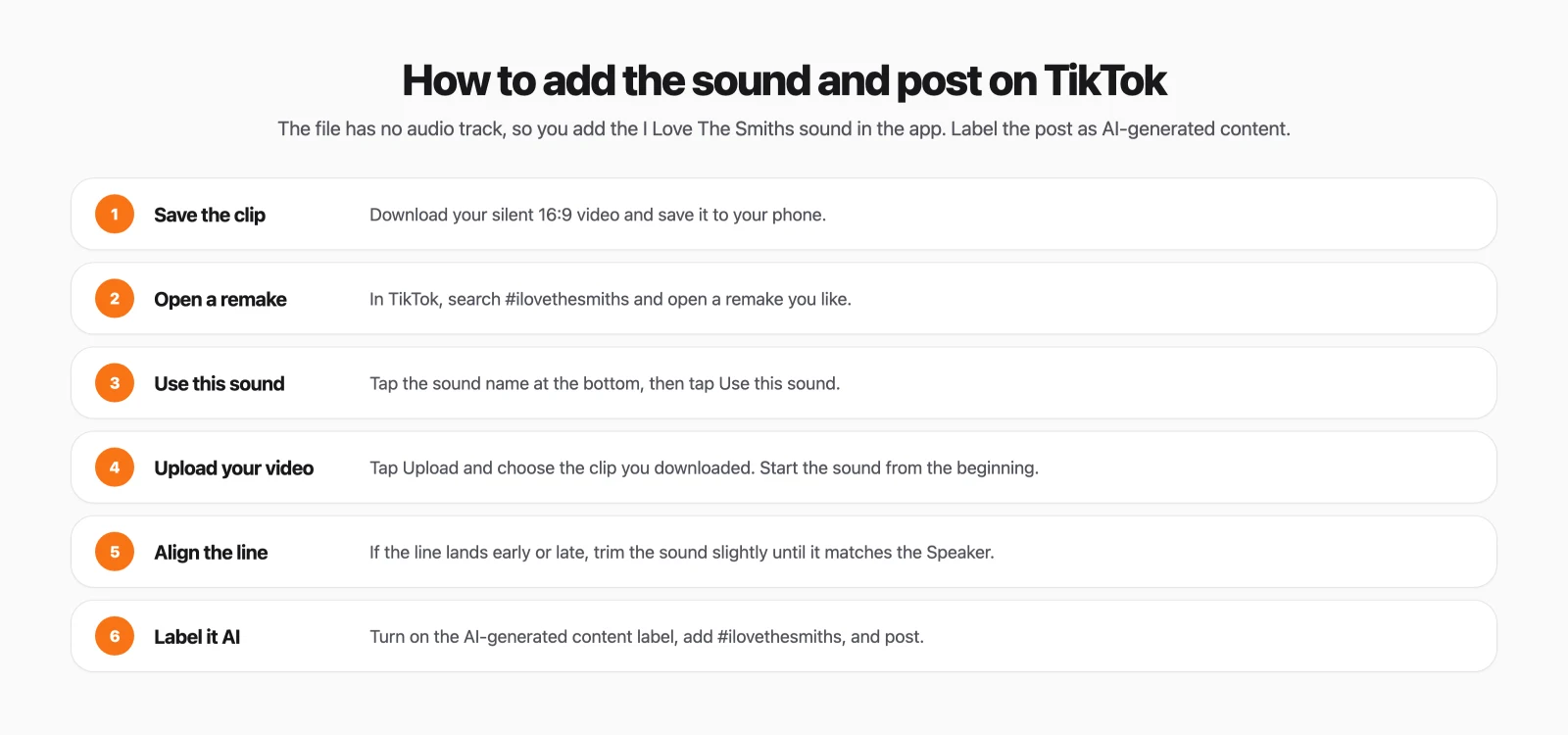
The download has no audio track, so you add the I Love The Smiths sound in TikTok with Use this sound.
Save the silent 16:9 clip, open TikTok, search #ilovethesmiths, and open a remake you like. Tap the sound name, choose Use this sound, then upload your video and start the sound from the beginning. If the line lands early or late, trim slightly until it matches the Speaker. Turn on the AI-generated content label if the app asks, and add #ilovethesmiths in your caption.
You do not need a CapCut template or a written prompt. Because the file has no audio track, you do not need to mute an original sound first.
Frequently asked questions
What is the I Love The Smiths elevator trend?
It is an unofficial AI remake of the elevator scene from (500) Days of Summer, made from two photos. The Listener wears headphones, the Speaker says “I love the Smiths,” and you add the #ilovethesmiths sound later when you post.
What song or TikTok sound is used in the trend?
The song in the film is “There Is a Light That Never Goes Out” by The Smiths. Most TikTok posts use the movie’s dialogue clip; Duet Booth delivers a silent video, so you add that sound yourself with Use this sound. We do not host the commercial track or the original film footage.
Can I make it with my dog or cat?
Yes. Each of the two photos can be a person or a pet, including a dog and a cat together. The clip keeps the pet’s face, fur color, and markings, and presents that pet standing in the Listener or Speaker role.
What aspect ratio and length should I use?
Use 16:9 widescreen, at 5, 10, 15, or 20 seconds (10 is the default). You can upload the same file to TikTok, Reels, or Shorts; the bars above and below on a vertical feed are normal, so do not crop it. Resolution depends on your settings.
Is this an official I Love The Smiths or (500) Days of Summer video?
No. This is an unofficial fan effect and is not affiliated with the film, the song, or anyone in the original elevator scene. Do not upload photos of people who did not agree to be in the video.
Related scenes
Make your I Love The Smiths AI video
Upload two photos, check the credit quote, and create a silent 16:9 elevator clip. Add the #ilovethesmiths sound when you post.