
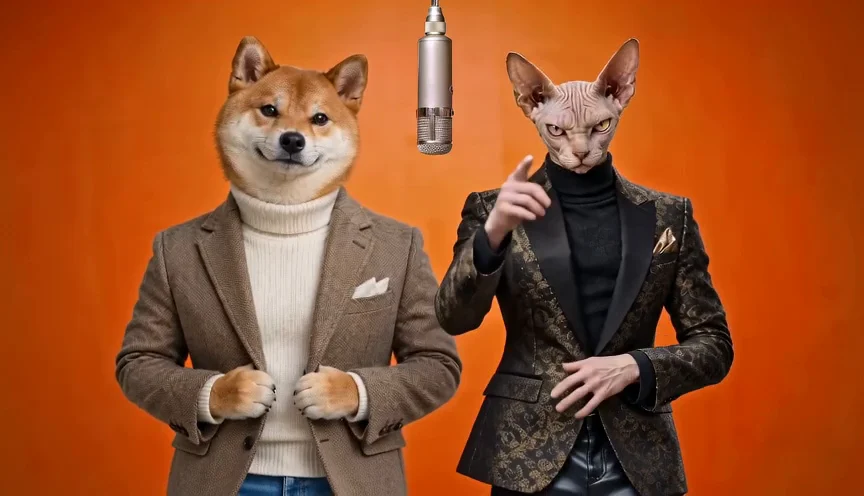
Duet Booth Studio
Photo to Video Scenes
Upload photos, choose a scene, and set your video format.
Scene Presets
Choose what happens in your video.
Frequently Asked Questions
What photo input modes are supported in Photo to Video?
Duet Booth Photo to Video supports two separate photos, a single photo of two people together, or a single portrait.
Can I switch between Photo to Video and Rap Video?
Yes. You can switch between Rap Video and Photo to Video at any time. Any photos you have uploaded are preserved.
What image formats can I upload?
We support JPEG, PNG, and WebP images up to 10 MB per photo.